ClassicPress Installation
The Editor42 plugin puts Editor42 in place of the TinyMCE ClassicPress ships: on the editing screen and in every other visual editor field of your site. It is the same plugin as for WordPress, free and MIT-licensed, with no account, no API key and nothing loaded from outside your site.
Why replace TinyMCE in ClassicPress
ClassicPress 2 edits with TinyMCE 4.9.11, released in July 2020 and the last TinyMCE 4 there is. TinyMCE's later releases fixed a series of cross-site scripting (XSS) issues, from 5.6.0 in November 2020 to 6.8.4 in June 2024, and none of those fixes was ever released for TinyMCE 4.
Editor42 is a maintained fork of the last MIT-licensed TinyMCE, with those fixes and the ones listed on the Security page. The plugin bundles it and never loads the TinyMCE inside ClassicPress.
Download the plugin
The zip installs on ClassicPress 2. Do not unzip it: ClassicPress takes the zip as it is.
Install the plugin
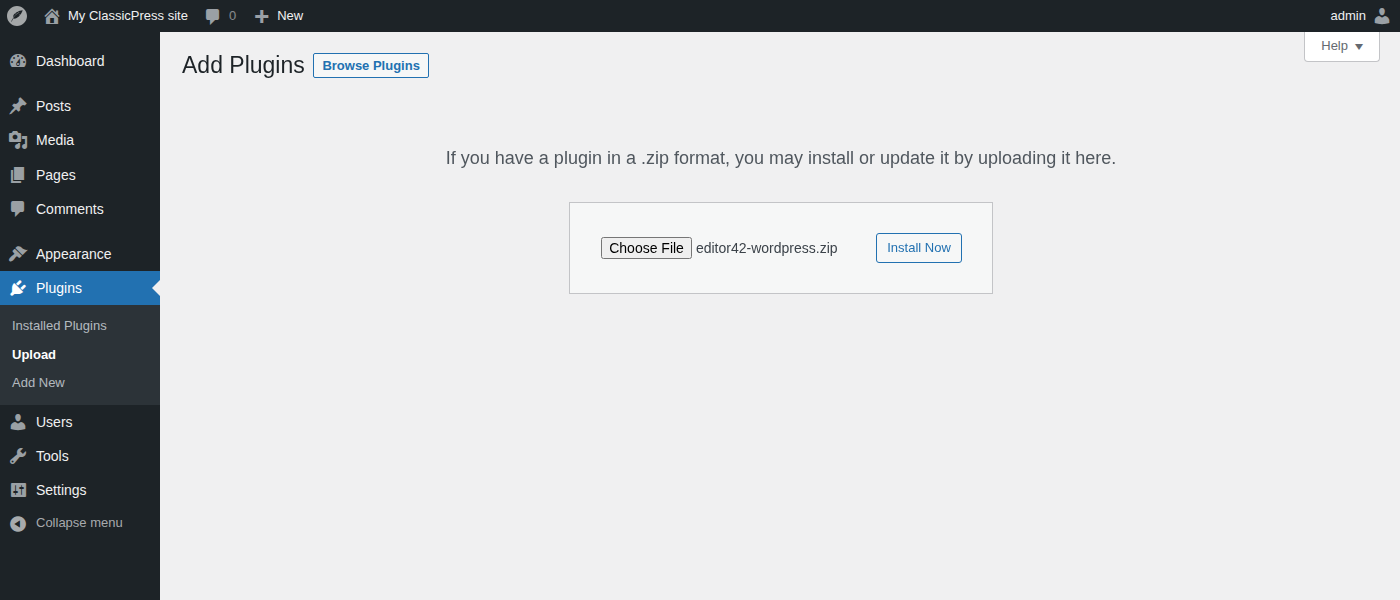
In your ClassicPress admin, open Plugins → Upload. Choose the zip, press Install Now, then Activate Plugin.
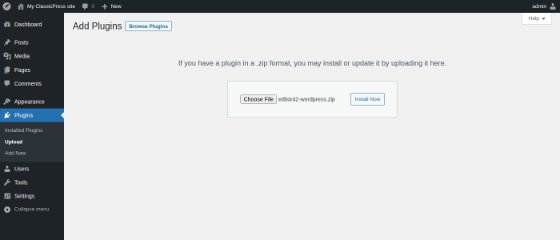
Plugins → Upload: choose the zip, then Install Now
Write with Editor42
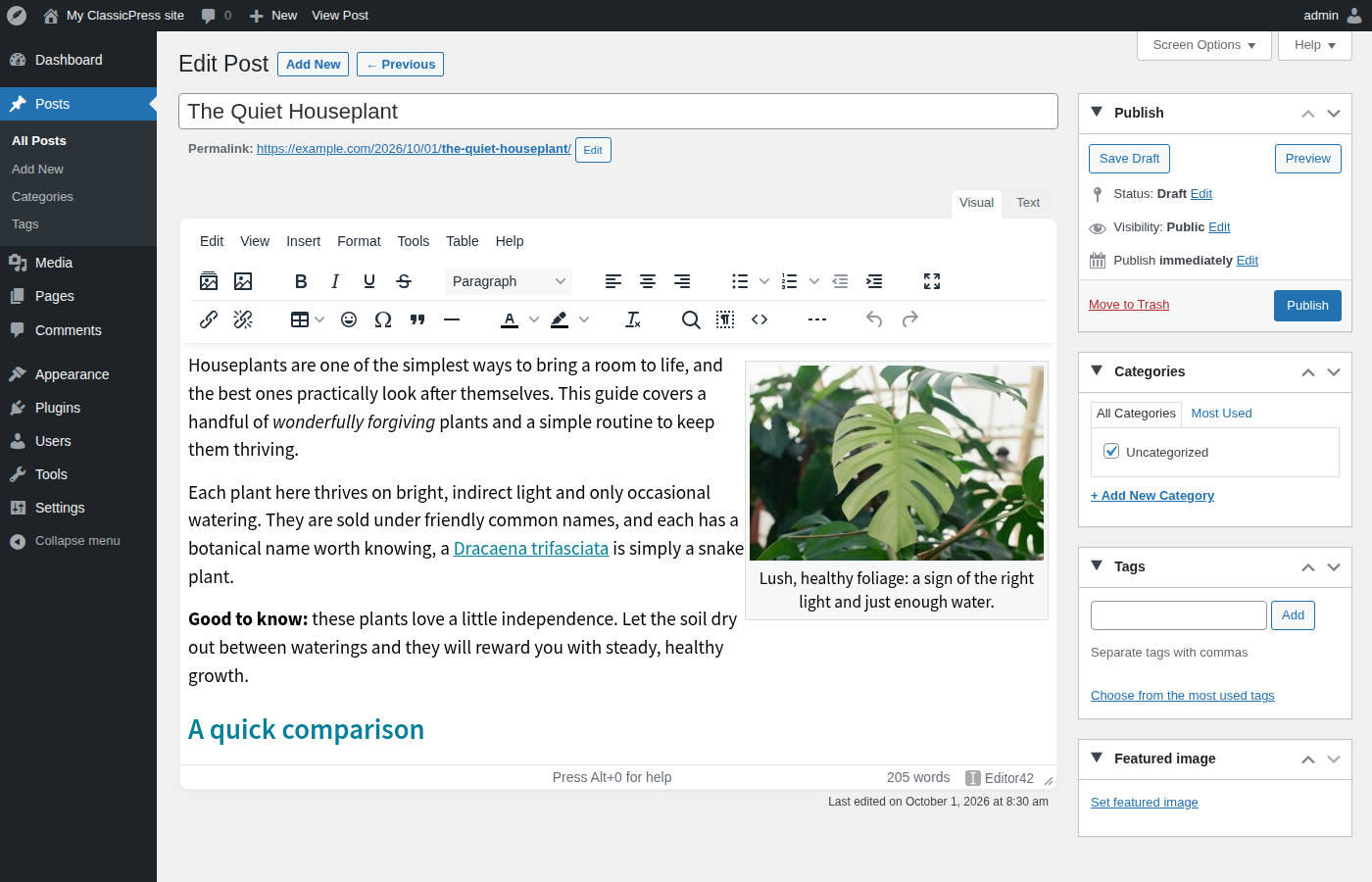
Open any post or page: it opens in Editor42. To go back to the TinyMCE ClassicPress ships, deactivate the plugin in Plugins. Your posts stay as they are.
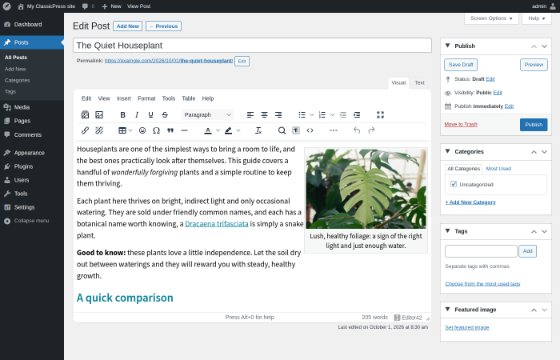
The editing screen with Editor42
What you get
- A rich toolbar out of the box: two rows with tables, colors, emoji, code view, find and replace and accordions, with the menubar above it.
- Your own toolbar: in Settings → Editor42, drag buttons in and out or load the Simple or Full-featured preset.
- Editor42 in the other classic editor fields too: product descriptions, text widgets, plugin fields.
- The media library wherever a picture comes in: Add Media, the Browse button of the image dialog, and pictures you paste or drop into the text, which are uploaded to the library.
- Image alignment and captions stored exactly as the classic editor stored them; the older
[caption]spellings are read too. - The link dialog, with search over your posts and pages.
- The Text tab with quicktags, next to the Visual tab.
- Live previews of galleries, embeds and media shortcodes, the shortcode text kept byte for byte.
- A right-to-left site gets a right-to-left editor.
Your content stays yours
Content is stored the way the classic editor always stored it: standard HTML in post_content, paragraphs restored by wpautop on output, captions as the regular [caption] shortcode. Posts written before the plugin open and save unchanged, and posts written with it stay valid if you deactivate it. The plugin stores one option, and uninstalling removes it.
Buttons from other plugins
Buttons that other plugins add to the classic editor through the mce_buttons and mce_external_plugins filters are written for the TinyMCE inside ClassicPress, and Editor42 does not load them. A plugin can offer its button to Editor42 through the editor42_toolbar_buttons and editor42_external_plugins filters, described in the README inside the plugin; the button then shows up in the toolbar configurator like any other.
Requirements
- ClassicPress 2.0 or newer
- PHP 7.4 or newer, which ClassicPress 2 itself requires (the plugin runs on PHP 7.0 and newer)
Everything the plugin uses ships inside it and loads from your own site: no CDN, no accounts, no tracking.
Source and licence
The plugin is MIT-licensed, and its own PHP, JavaScript and CSS ship unminified. The bundled engine is Editor42 42.0.0 as published in editor42com/editor42-dist (tag 42.0.0), minified with the readable file next to every minified one. Its source is the editor42 branch of editor42com/editor42, at its 42.0.0 release commit; yarn && yarn build there writes the same files to modules/editor42/js/editor42/.